My Dino Empire Scripts
Auto Roll, collect Bones, sell, research, and claim rewards — with clear safety warnings.
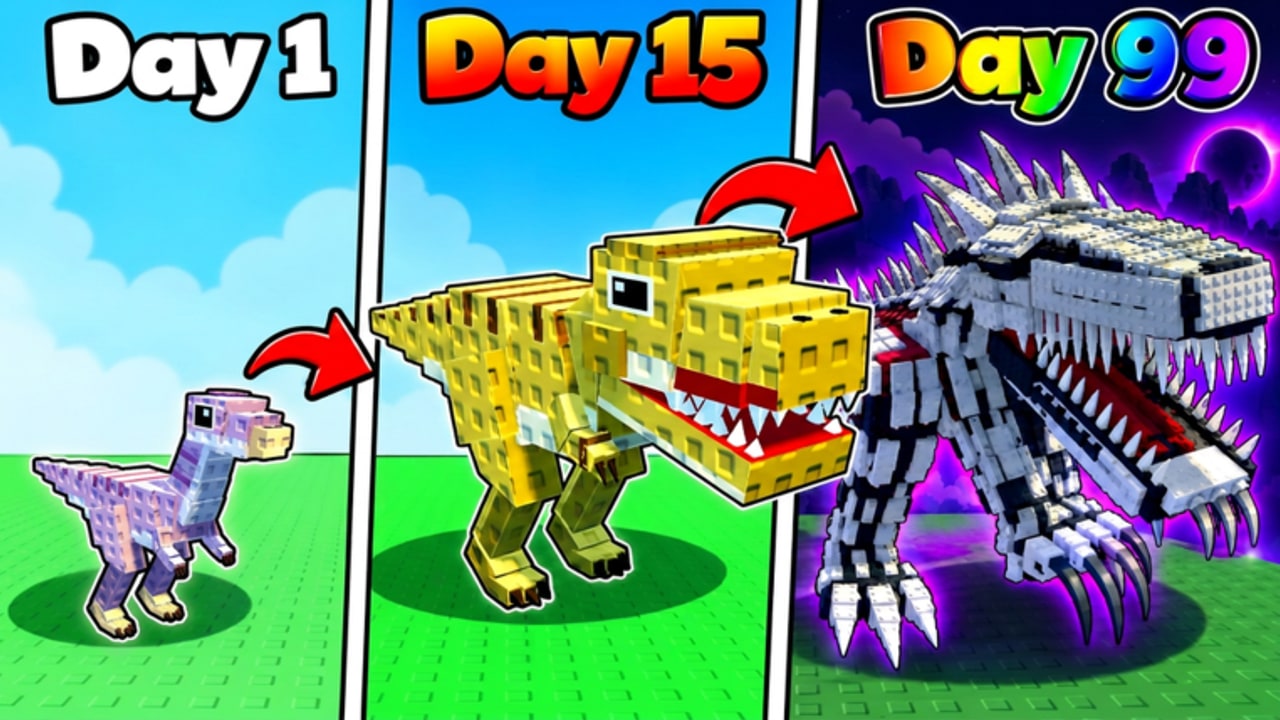
My Dino Empire is built for incremental loops: Roll dinos, park them in your Base, dig ancient Bones, sell for Cash, then expand. Scripts automate the repetitive middle of that loop so you can progress while AFK. This hub summarizes the main loadstrings players use, lists features side by side, and links a deeper Auto farm scripts guide. Nothing here replaces learning the economy — read Bones and cash and AFK farming so automation spends resources intelligently.
Safety disclaimer (read first)
Using a Roblox executor or any third-party script can violate Roblox Terms of Use and may result in warnings, bans, or account loss. Bone Bandits! and Roblox can update detections at any time.
- Prefer a secondary (alt) account, never your main with limited UGC or Robux history.
- Download executors only from channels you personally trust; malware is common in “free executor” ads.
- Disable scripts before trading, spending large Cash stacks, or testing brand-new codes from the Codes hub.
- If a script asks for your Roblox password, stop immediately — legitimate loadstrings never need it.
- We do not guarantee uptime. When the game patches, scripts break until authors update them.
If you are new to the experience, finish Getting Started and redeem Codes on a clean client before you ever attach an executor.
Script 1 — Keyless Auto Roll
A compact keyless script focused on rolling and basic economy chores.
Features
- Auto Roll
- Equip Best
- Collect / Sell Boxes
- Auto Claims and Upgrades
Loadstring
loadstring(game:HttpGet("https://pastefy.app/PeF5M7Ap/raw"))()Best for: early- and mid-game players who want hands-off Rolls plus light collect/sell without managing a key system. Pair Equip Best with the tier list knowledge so you understand which dinos the script is favoring.
Notes: Keyless scripts are convenient but still require a working executor. After each game update, retest Auto Roll on a private or low-stakes session. If Rolls stop, toggle the script off and redeem any new Codes manually before re-enabling.
Script 2 — Plak Auto Collect / Research
A broader automation suite with a key system and solid mobile-friendly controls.
Features
- Auto Collect
- Crush
- Sell Bones
- Equip Best
- Research
- Unlock Pens
- Spin
- Rewards and related quality-of-life toggles
Loadstring
loadstring(game:HttpGet("https://api.flowauth.net/v1/loaders/22cb301da4b50eaf7e00d61e44a6ac85.lua"))()Best for: players who already understand dig → sell → research and want the full AFK stack, including pen unlocks and reward claims. Mobile-friendly UI helps if you supervise from a phone while the PC client runs.
Notes: Expect a key system before features unlock. Only complete key steps on sites the script itself opens; ignore random Discord DMs offering “faster keys.” Research and Unlock Pens can spend Cash quickly — set limits after you read Bones and cash.
Which script should you run?
| Goal | Prefer |
|---|---|
| Simple Auto Roll + light sells | Keyless Auto Roll |
| Full collect, research, pens, rewards | Plak Auto Collect / Research |
| Supervised mobile checks | Plak (mobile-friendly) |
| Minimal permissions / fewer toggles | Keyless Auto Roll |
Many players run Keyless Auto Roll during active sessions and switch to the wider Plak suite for overnight AFK farming. Do not stack multiple autos that fight over the same Roll or Sell remote — double scripts cause failed requests and odd Cash totals.
How to use any script safely
- Join My Dino Empire on an alt and confirm the Base loads.
- Attach your executor, then paste one loadstring from this page.
- Enable only the features you understand (start with Collect / Sell before Auto Roll spam).
- Watch one full cycle: dig Bones → sell → Cash update → optional Roll.
- Leave AFK only after the cycle looks stable; keep Roblox in the foreground if your executor requires it.
- After patches listed on Updates, disable scripts until you verify they still work.
Deep toggles, early- vs late-game feature picks, and executor hygiene are covered in Auto farm scripts.
Scripts vs legitimate progression
Automation does not invent a new meta — it accelerates the same systems every player uses. Strong parked dinos, smart research, and timely pen unlocks still decide offline income. Use the tier list to know what “Equip Best” should be chasing, claim free Cash from Codes, and keep human awareness for events called out on Updates. With roughly 3.6M+ visits and 98% likes, the game receives frequent attention; script authors race those patches, so bookmark this hub and recheck loadstrings after every content drop.
Responsible use means accepting ban risk, protecting your main account, and knowing how to progress without scripts if detection tightens. When in doubt, turn automation off and return to manual dig and sell loops — the core fantasy of rolling rare dinos and expanding your Base still works without any executor.
Frequently Asked Questions
Quick answers for My Dino Empire on Roblox.
Are My Dino Empire scripts safe?
No script is fully safe. Executors can violate Roblox rules and risk bans or malware. Use an alt account, never share passwords, and disable scripts after patches until you retest.
What does the Keyless Auto Roll script do?
It focuses on Auto Roll, Equip Best, Collect/Sell Boxes, and Auto Claims & Upgrades without a key system. Paste its loadstring from this hub into your executor.
What does the Plak script include?
Plak covers Auto Collect, Crush, Sell Bones, Equip Best, Research, Unlock Pens, Spin, Rewards, and more. It uses a key system and is often preferred for full AFK sessions.
Can I use scripts on mobile?
Most executors are desktop-focused. The Plak suite is described as mobile friendly for its UI, but you still need a supported executor environment — typically a PC client you supervise from your phone.
Where can I learn auto farm settings in detail?
Open the Auto farm scripts guide for early- vs late-game toggles, safe executor habits, and links to Bones and cash plus AFK farming guides.